Portfolio Details

Project Information
- GitHub Username: Babamosie333
- Author: Vikram Singh
- GitHub URL: https://github.com/Babamosie333
Project Overview
This portfolio brings together real projects completed as a BCA student, focusing on full-stack web development, UI/UX, Python, data science and automation tools. Each project is designed to solve a practical problem, from building e-commerce experiences to creating intelligent recommendation systems.
Across these projects, the work covers the full lifecycle: planning features, designing user flows and interfaces, implementing back-end APIs and databases, and finally testing and deploying the solution. The goal is not only to learn individual technologies, but to combine them into production-style workflows that reflect how modern software is actually built.
Key Features
Responsive Design
Voluptatum deleniti atque corrupti quos dolores et quas molestias excepturi sint occaecati cupiditate non provident
Advanced Security
Minim veniam, quis nostrud exercitation ullamco laboris nisi ut aliquip ex ea commodo consequat tarad limino ata
Performance Optimization
Duis aute irure dolor in reprehenderit in voluptate velit esse cillum dolore eu fugiat nulla pariatur
Easy Integration
Excepteur sint occaecat cupidatat non proident, sunt in culpa qui officia deserunt mollit anim id est laborum
Web Development Projects
End-to-end web applications built with modern frontend, backend and database tools.
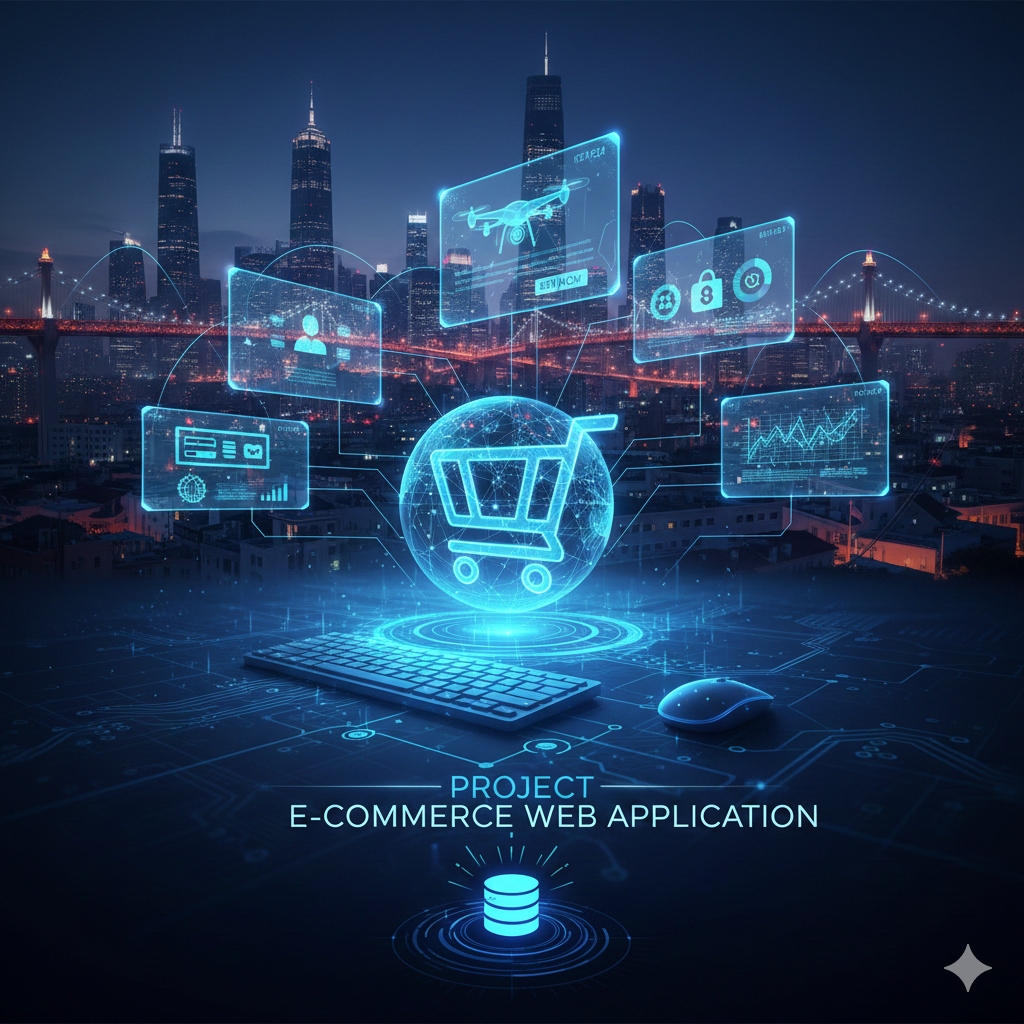
E‑commerce Web Application
This project is a full‑stack e‑commerce web app that lets users browse products, manage a cart, and place orders end‑to‑end. It separates frontend UI, backend APIs and a relational database to simulate a real online store with search, categories, filtering and a simple admin flow.
Tech Stack & Tools
- Frontend: HTML5, CSS3, Bootstrap components, vanilla JavaScript for DOM updates and form validation.
- Backend: Python with Django (or Node.js with Express) exposing REST-style routes for products, cart and orders.
- Database: MySQL tables for users, products, categories, carts, orders and order items with foreign-key relations.
- Other: VS Code, Git & GitHub, browser DevTools for debugging layout and network requests.
Key Features
- Dynamic product listing with category filters and text search.
- Session or token based cart where items can be added, updated and removed without full page reloads.
- User authentication with registration, login and order history views.
- Admin dashboard to create and edit products, update stock and review latest orders.
- Fully responsive pages tested on mobile, tablet and desktop.
What I Learned
- Designing relational schemas for real commerce workflows like inventory and orders.
- Connecting frontend and backend through REST APIs and JSON.
- Organizing reusable UI components and implementing validation on client and server.
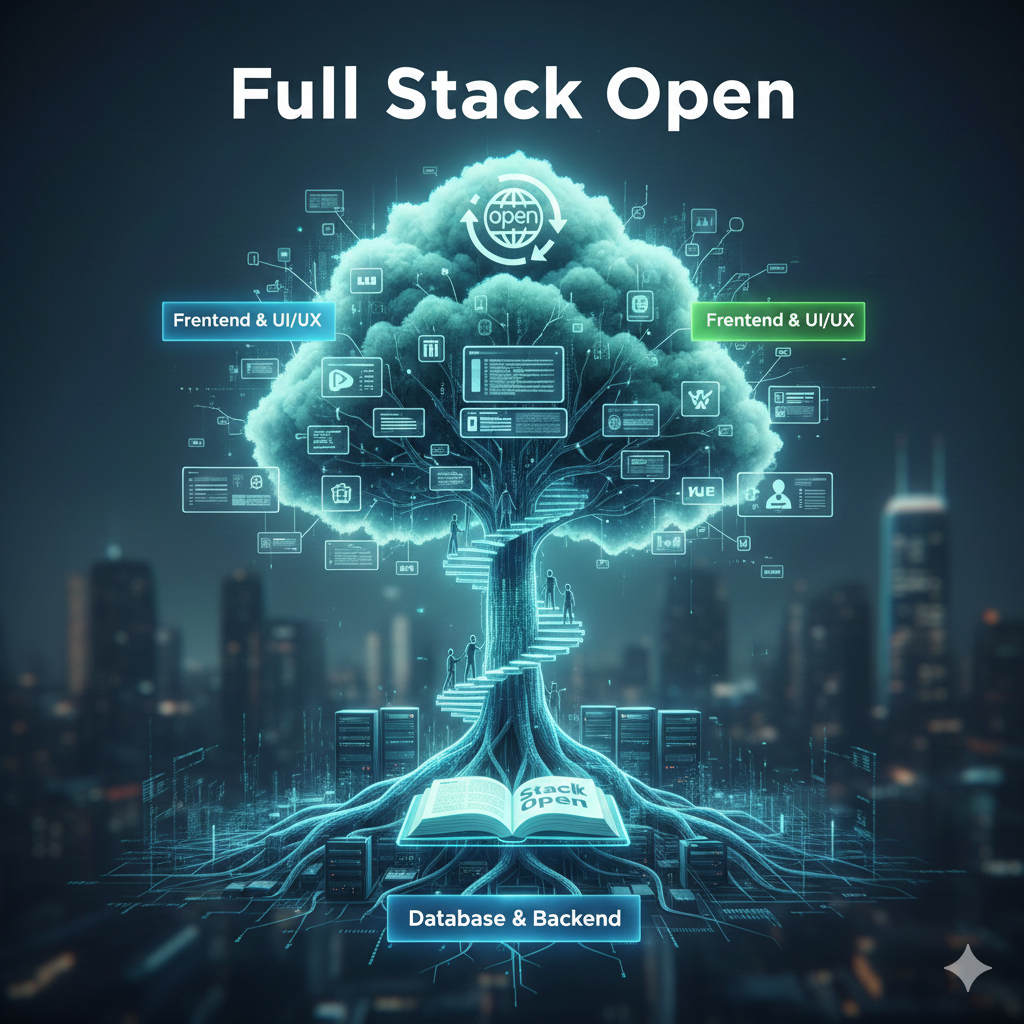
Full Stack Open Style Project
This project follows a Full Stack Open approach: a React frontend connected to a Node.js/Express backend API. The focus is on modern single-page app patterns, routing and state management.
Tech Stack & Tools
- Frontend: React functional components with hooks, React Router for navigation.
- Backend: Node.js with Express, structured into routes, controllers and models.
- Database: MongoDB or SQL for persisting users, posts or notes.
- Other: Axios/fetch for HTTP calls, Postman for API testing, GitHub for version control.
Key Features
- Full CRUD operations on a core resource such as notes, contacts or blog posts.
- Client-side routing between list, detail and edit views without page reloads.
- Form validation, loading indicators and error messages for failed API calls.
- Reusable backend middleware for logging, error handling and authentication.
What I Learned
- Designing RESTful endpoints and consuming them from a modern frontend.
- Managing global and local state with React hooks and side-effects.
- Debugging issues that span frontend, backend and database layers.
UI / UX Design
Design-first projects focused on layout, typography and user experience.
Portfolio with Bootstrap
A responsive personal portfolio built mainly with Bootstrap and custom CSS to present skills, experience and projects in a clean, recruiter-friendly layout.
Tools & Techniques
- Bootstrap grid system, navbar, cards and utility classes for fast layouting.
- Clear visual hierarchy with hero, about, skills, projects and contact sections.
- Consistent dark theme, typography and spacing for good readability.
- Subtle scroll animations using AOS and optimized WebP images for performance.
What I Learned
- Translating wireframes into a real Bootstrap-based interface.
- Using spacing, color and type to guide a visitor’s attention.
- Balancing animations so the design feels modern but not distracting.
Python & Data Projects
Back-end, data, ML and AI experiments implemented mainly in Python.
AI‑Powered Chatbot
A conversational assistant that can answer user questions and follow simple flows such as FAQs, guidance and navigation steps.
Tech Stack & Tools
- Python for core logic.
- NLP libraries such as NLTK or spaCy for tokenization, cleaning and intent detection.
- Flask or FastAPI to expose HTTP endpoints or a small web UI.
- JSON or CSV files to store intents, example phrases and responses.
Techniques
- Preprocessing text (lowercasing, stopword removal, stemming/lemmatization).
- Simple intent classification (rule-based or ML-based) to map messages to responses.
- Maintaining session context so the bot can continue earlier conversations.
- Logging user messages for later analysis and improvement.
DSA Patterns & Algorithms Library
A curated collection of data-structure and algorithm implementations in Python, organized by common patterns used in coding interviews.
Content
- Implementations of arrays, linked lists, stacks, queues, hashmaps, trees and graphs.
- Pattern-based problems: sliding window, two pointers, binary search, recursion and DP.
- Multiple solutions (brute-force and optimized) with complexity comparisons.
What I Learned
- Thinking in terms of time and space complexity when comparing solutions.
- Recognizing how similar patterns appear in different problems.
- Writing clean, testable Python code for algorithmic challenges.
Awesome Deep Learning
An exploratory project where different neural-network architectures are trained on image or text datasets to understand deep learning workflows.
Tech Stack
- PyTorch or TensorFlow / Keras for model definition and training.
- Jupyter Notebook or Google Colab for experiments and visualizations.
- Public datasets such as MNIST, CIFAR or text datasets.
Techniques
- Building feed-forward, CNN or simple RNN architectures.
- Using dropout, batch normalization and data augmentation.
- Tracking metrics (loss, accuracy) per epoch and visualizing learning curves.
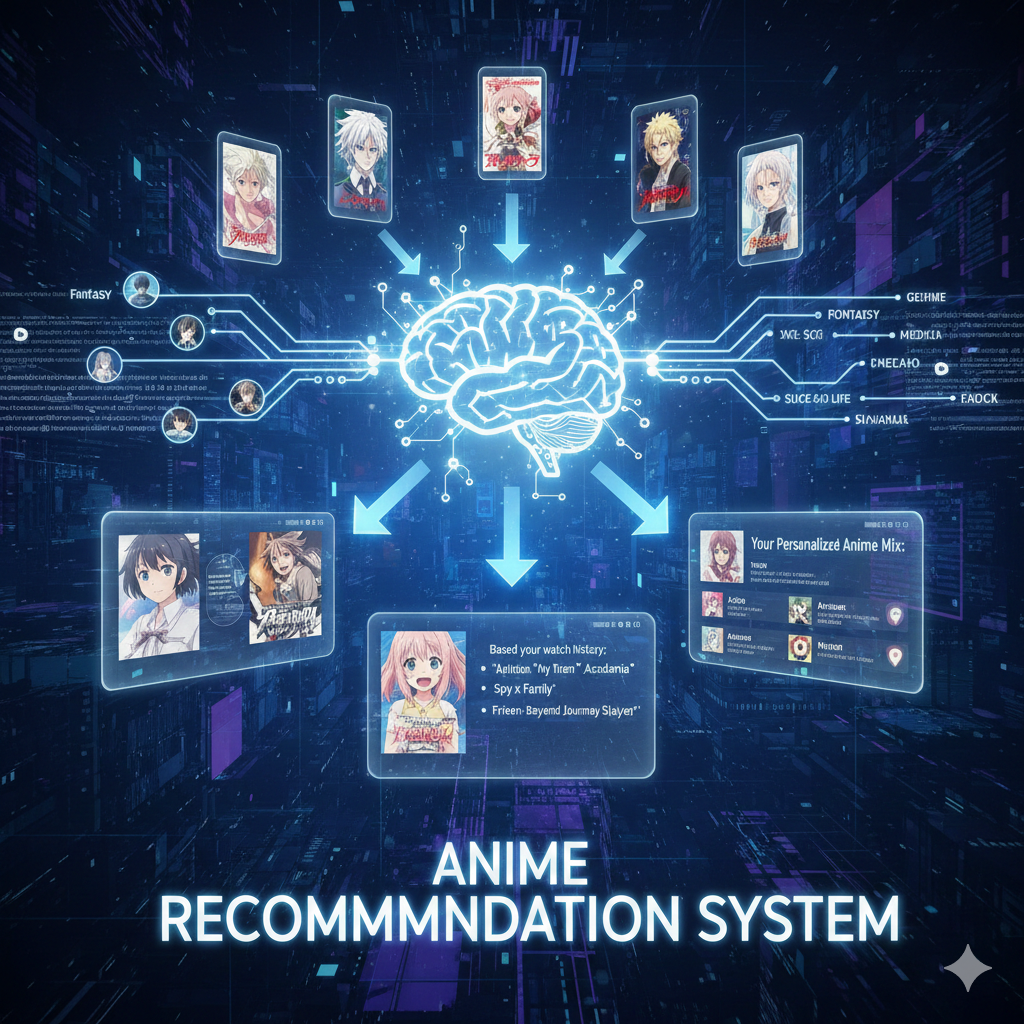
Anime Recommendation System
A recommendation engine that suggests anime based on user ratings, genres and similarity scores, built as a practical introduction to recommender systems.
Tech Stack & Data
- Python with pandas and NumPy for data cleaning and transformation.
- scikit-learn for similarity metrics and basic recommendation models.
- Public anime rating and metadata datasets (genres, episodes, scores).
Recommendation Methods
- Collaborative filtering based on user-item rating matrices.
- Content-based filtering using genre and metadata similarity between anime.
- Simple hybrid scoring that combines collaborative and content signals.
Automation Tools
Small utilities designed to save time and keep daily work organized.
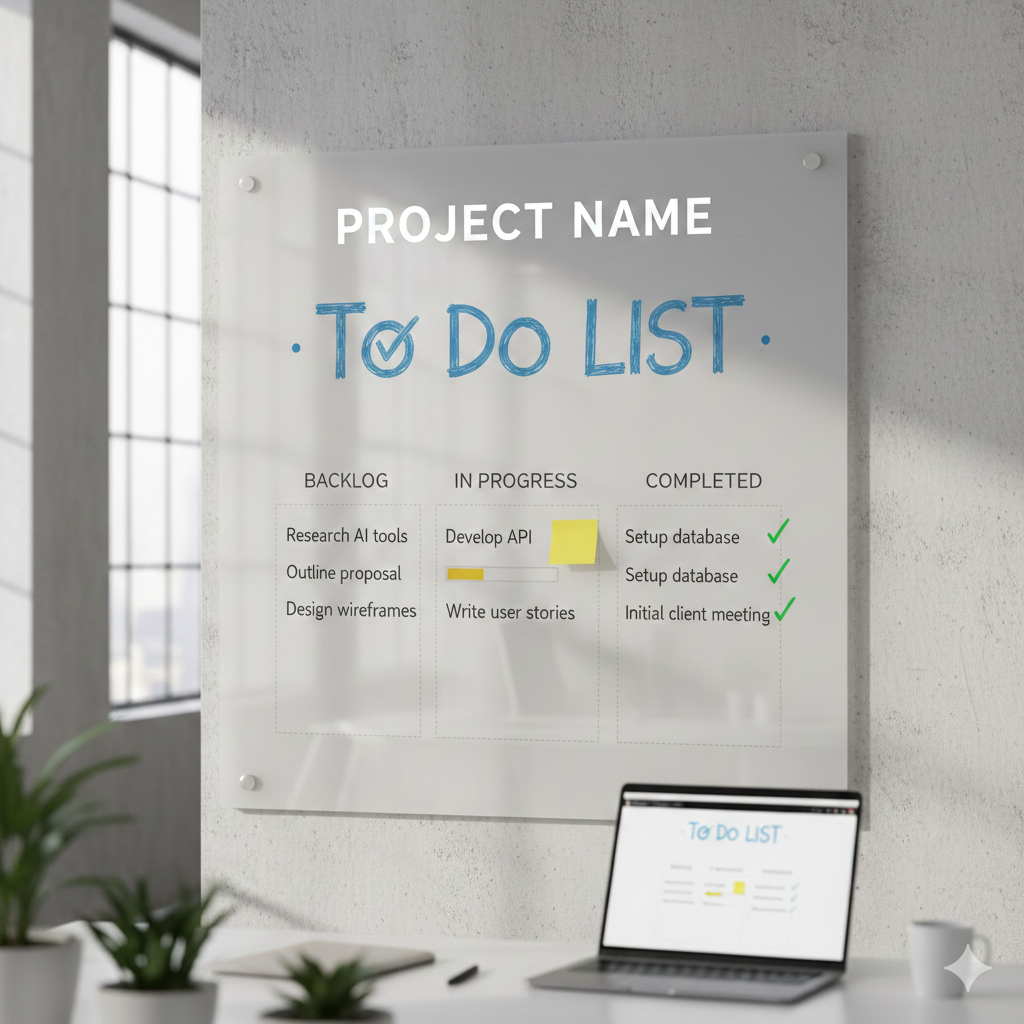
To‑Do List Automation Tool
A lightweight productivity app that lets users capture tasks, mark them as complete and keep them organized with simple automation rules.
Tech & Features
- HTML, CSS and JavaScript (or React) for an interactive, responsive UI.
- LocalStorage or a small backend API to persist tasks between sessions.
- Create, edit, delete and complete tasks with filters such as All, Active and Completed.
- Optional automation like grouping overdue tasks and showing a daily summary.